


Patch 1.1.01 min read
Patch 1.1.0: A Bible dictionary on every verse
Protos 1.1 adds Easton's Bible Dictionary. Tap a verse to study its key words, or search for any term. Commentary now opens with context for the whole book, and new Library and Tools screens make it easier to get around.
At a glance
- Easton's Bible Dictionary. Tap a verse to look up its key words without leaving the chapter.
- Word Study search. Search any Bible term and read the full entry.
- Book-level commentary context. Commentary now starts with the big picture of the whole book.
A word like "apostle" or "covenant" carries a lot that the English doesn't spell out. This release puts a Bible dictionary one tap away from the verse you're reading.
Look up a word without leaving the verse
Tap a verse and Protos lists the words in it worth studying. Pick one to read its entry from Easton's Bible Dictionary, then close it and you're back where you were. There's also a new Word Study screen where you can search for any term on its own.
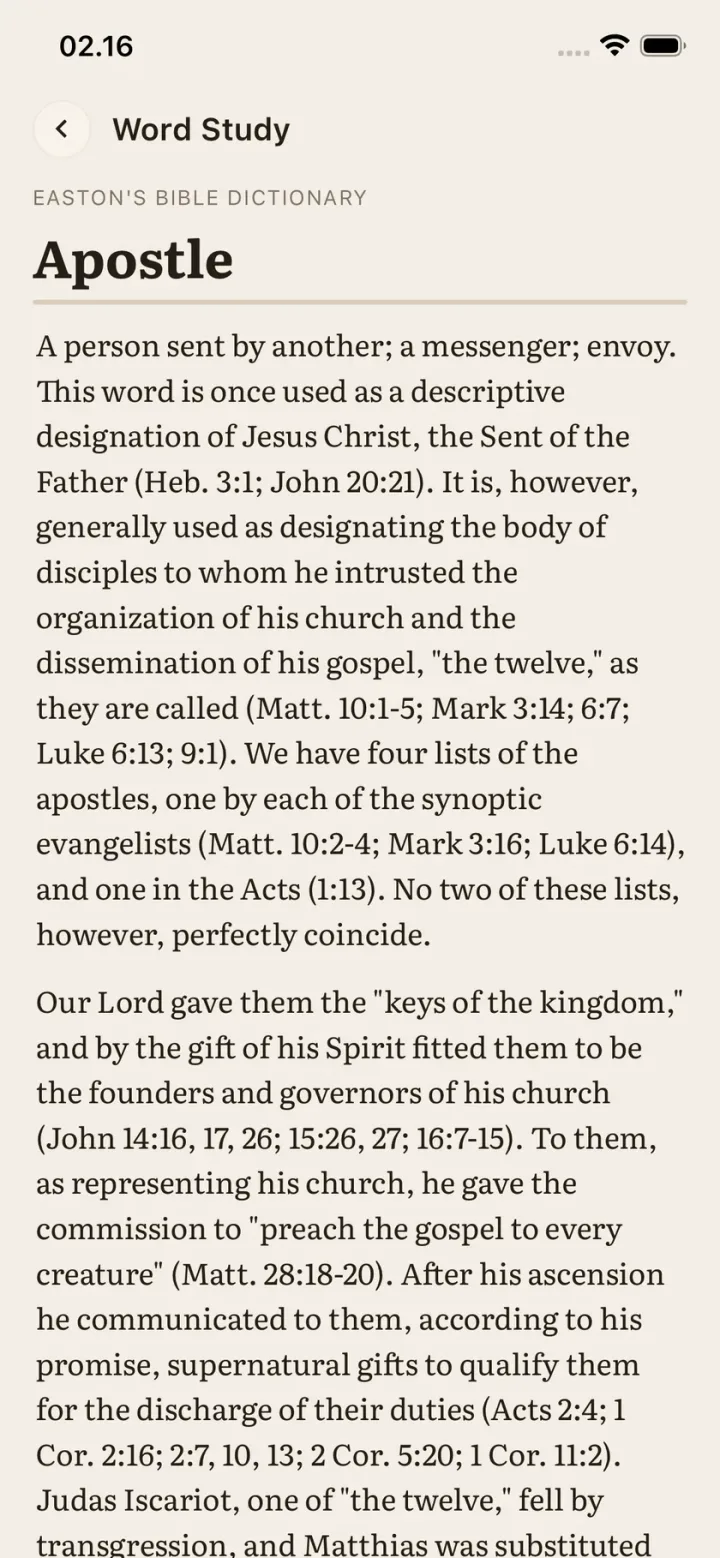
Our Bible dictionary on the web grew out of this. It's free to browse, starting with entries like Apostle.
Commentary with the whole book in view
Commentary used to start at the chapter. Now it opens with context for the whole book, so a single verse reads as part of the larger argument or story around it.
Also in this release
- New. A Library screen and a Tools screen, and a navigation bar to move between them.
- New. Two articles: Gospel Equilibrium, and Eisegesis vs. Exegesis, on reading meaning out of the text instead of into it.


